

Audit Management Software for Complete Audit Control
Companies that follow ISO-based quality standards need a structured audit management system to manage the entire audit process more effectively. Using spreadsheets and paper documents can make it difficult to create clear reports, track audit progress, and maintain audit-ready evidence.
Aura Quality Audit Management Software helps organizations plan audits, assign tasks, manage findings, track non-conformances, monitor corrective actions, and close audits with complete records in one web-based QMS platform.
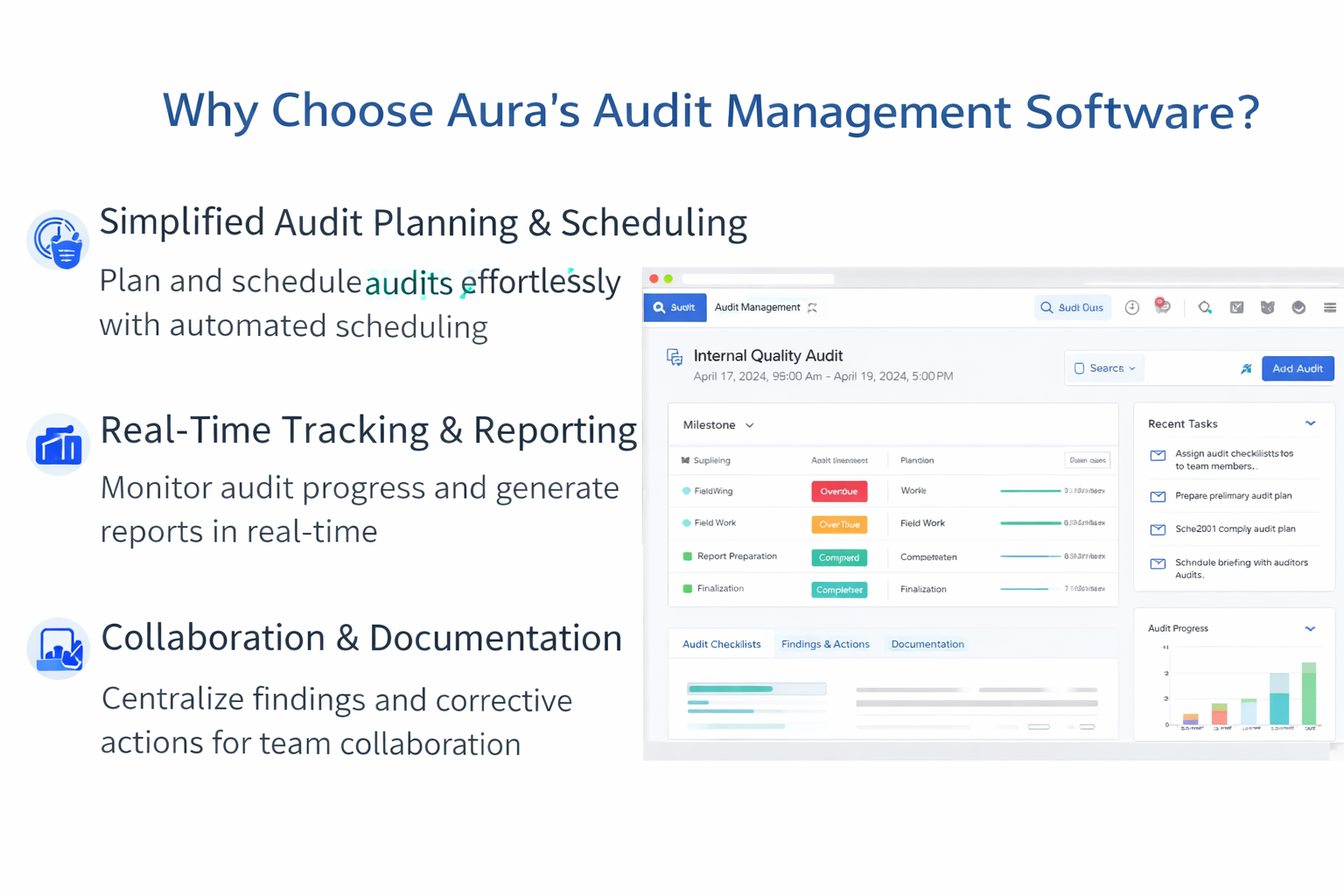
Why Choose Aura’s Audit Management Software?
Simplified Audit Planning and Scheduling
Aura helps teams schedule audits, assign auditors and auditees, define scope, select checklists, and reduce the risk of missed audits.
Real-Time Tracking and Reporting
Track audit progress, findings, pending actions, closure status, and reports in real time to improve management visibility.
Collaboration and Documentation
Keep audit checklists, findings, documents, corrective actions, and closure evidence in one centralized platform.
Task Ownership and Follow-Up
Assign audit tasks, route findings to responsible owners, track deadlines, and monitor closure progress.
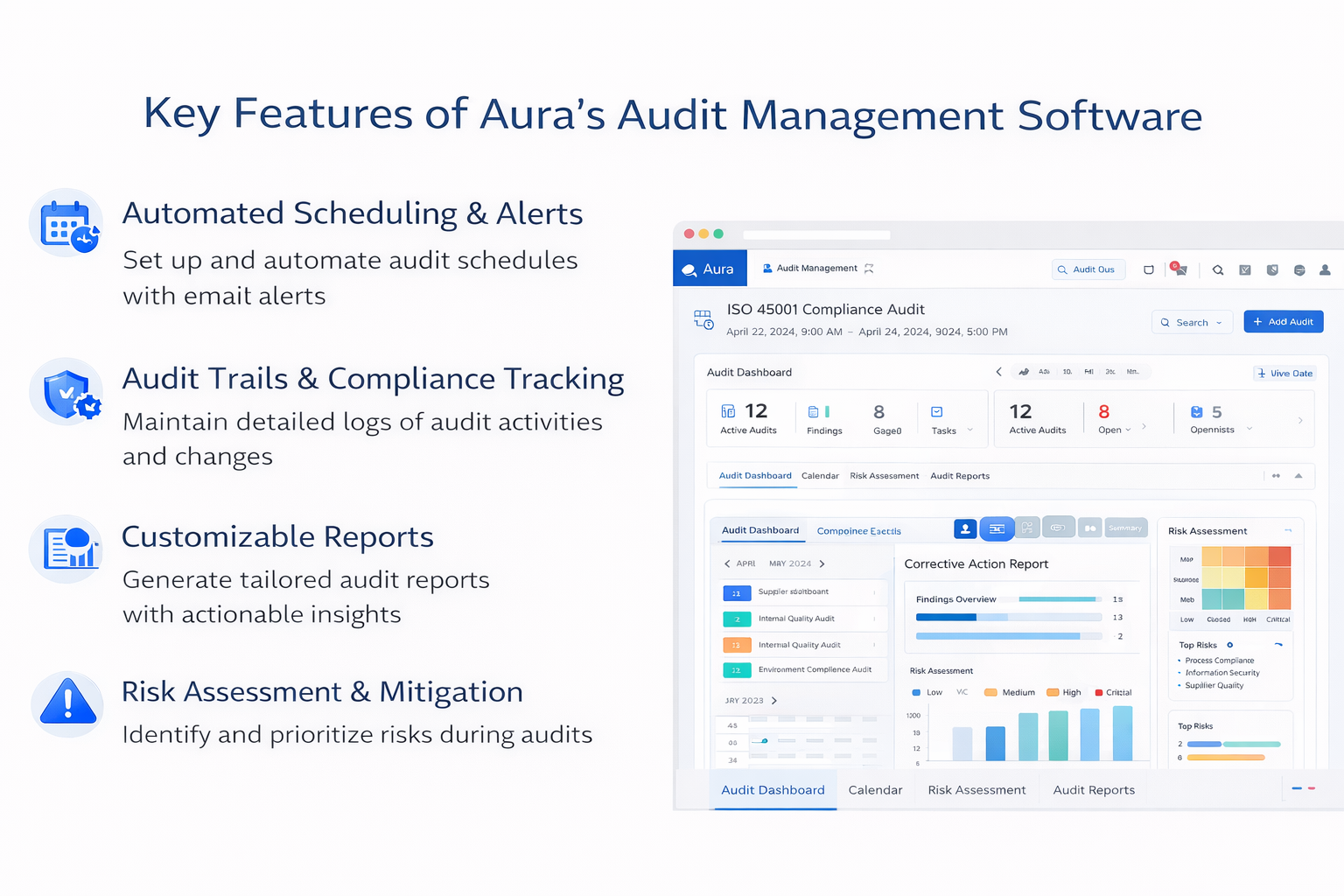
Key Features of Audit Management Software
Plan and Schedule Audits
Create audit timelines, assign roles, select audit scope, set recurring audits, and send automatic reminders.
Centralized Audit Records
Store audit results, reports, checklists, findings, evidence, and closure records in one controlled system.
Real-Time Collaboration
Enable auditors, auditees, process owners, and managers to share observations, findings, and actions.
Risk Assessment and Mitigation
Identify audit risks, record observations, assign actions, and monitor risk-related findings.
Automated Routing of Findings
Route audit findings and non-conformances to responsible managers for review and follow-up.
Reports and Analytics
Generate audit reports, monitor progress, identify repeated findings, and support data-driven decisions.
Full Audit Process in Aura: Step-by-Step
Aura Audit Management Software helps teams manage the complete audit lifecycle from planning to closure. The process is simple: plan the audit, schedule it, conduct the audit, record findings, assign corrective actions, verify effectiveness, and close the audit with complete evidence.
Audit Lifecycle
Create audit plan, scope, process, checklist, auditor, and auditee.
Publish audit schedule, assign tasks, and send notifications.
Use checklist, review documents, capture evidence, and record observations.
Raise findings, assign CAPA, analyze root cause, and track actions.
Verify effectiveness, generate report, and close the audit cycle.
Sample Internal Audit Checklist
| Checklist Area | Sample Audit Question | Evidence to Check |
|---|---|---|
| Document Control | Are employees using the latest approved version of the procedure? | Approved SOP, revision history, access records, document change log. |
| Training Records | Are employees trained for the process they are performing? | Training matrix, attendance record, competency evidence, refresher training record. |
| Process Compliance | Is the process being followed as defined in the approved procedure? | Process records, inspection logs, production records, quality check records. |
| Non-Conformance | Are previous non-conformances corrected and verified? | NC report, CAPA record, closure evidence, effectiveness review. |
| Audit Trail | Can the team show who updated records and when? | System logs, approval history, change records, audit evidence. |
Non-Conformance Flow in Aura
| Step | Non-Conformance Activity | How Aura Helps |
|---|---|---|
| 1 | Record Finding | The auditor records the finding, evidence, process, and audit reference. |
| 2 | Assign Owner | The finding is assigned to the responsible process owner or department head. |
| 3 | Analyze Root Cause | The responsible user records root cause analysis and proposed correction. |
| 4 | Create CAPA | Corrective action tasks are created with owner, due date, priority, and required evidence. |
| 5 | Review Evidence | The auditor or approval authority reviews the action evidence. |
| 6 | Close Finding | The finding is closed after correction, verification, and effectiveness review. |
CAPA Closure Flow
| CAPA Stage | What Happens | Expected Output |
|---|---|---|
| Correction | Immediate action is taken to control the issue. | Temporary containment or quick fix recorded. |
| Root Cause Analysis | The team identifies why the issue happened. | Documented root cause. |
| Corrective Action | Action is assigned to prevent recurrence. | Owner, due date, action plan, and evidence requirement. |
| Evidence Submission | The owner submits proof of completion. | Closure evidence attached to the action. |
| Effectiveness Review | The auditor checks whether the action solved the issue. | Verified effectiveness result. |
| Final Closure | The CAPA and audit finding are closed after review. | Final closure record and audit-ready evidence. |
Corrective Action Example
Audit Finding: During an internal audit, the auditor finds that operators are using an outdated work instruction on the shop floor.
Correction: The outdated document is removed immediately and replaced with the latest approved version.
Root Cause: The department did not receive a document revision notification, and the old printed copy was not withdrawn.
Corrective Action: The quality team updates the document distribution process, assigns document control responsibility, trains the department, and verifies that only the latest version is available at the point of use.
Closure Evidence: Updated SOP, training record, document withdrawal evidence, and effectiveness review are attached before closing the audit finding.
Audit Scheduling and Publishing
Scheduling
The scheduling module enables authorized users to select audit date and time, confirm auditor and auditee, define audit venue, select the appropriate process, and attach the relevant checklist.
Publishing
The publishing module enables authorized users to publish the audit schedule as a task to the auditor and auditee. Auditors can view assigned audit tasks in the dashboard and manage them through the audit lifecycle.
Pre-Audit and Post-Audit Activities
Pre-Audit Activities
- Auditee acknowledgement status.
- Request for reschedule or cancellation.
- Approval authority review.
- Audit rescheduled or cancelled based on approval.
- Checklist and document preparation.
Post-Audit Activities
- Audit report submission.
- Tracking of non-conformities and opportunities for improvement.
- Correction and root cause analysis.
- Corrective Action Report generation.
- Effectiveness review and audit cycle closure.
- Audit summary and reports.
- Convert opportunity for improvement into POA where required.
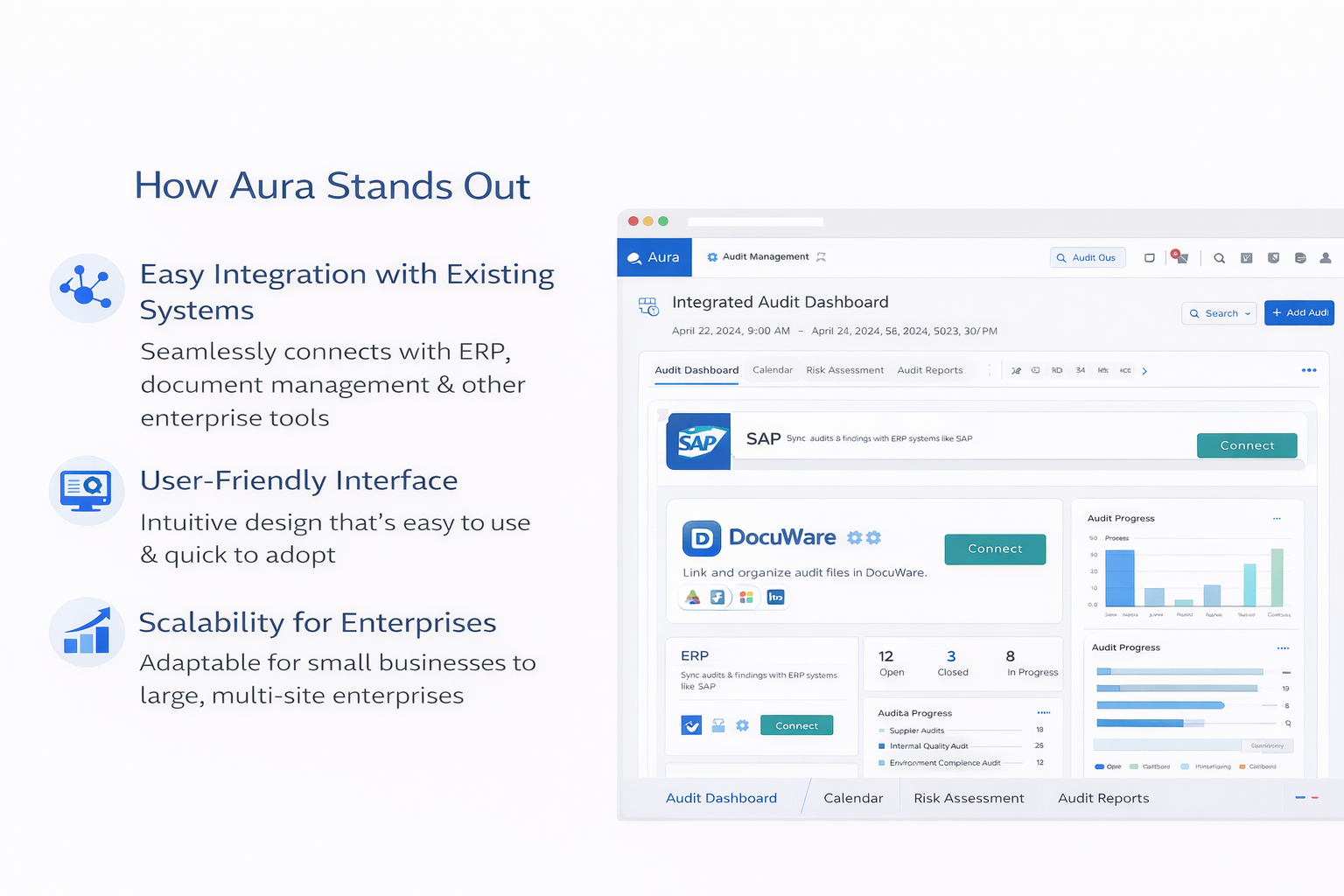
How Aura Audit Management Software Stands Out
Easy Integration with Existing Systems
Aura can support smoother audit operations by working with existing enterprise processes and document workflows where configured.
User-Friendly Interface
Aura helps auditors, auditees, quality managers, and department heads manage audit tasks with less manual follow-up.
Scalability for Enterprises
Aura supports audit workflows across departments, processes, users, and locations.
Audit-Ready Evidence
Teams can maintain checklists, findings, corrective actions, closure evidence, and reports in one centralized audit record.
Related Aura QMS Modules
Audit management works best when connected with document control, training records, CAPA, task management, and assessment workflows.
Ready to Improve Your Audit Process?
Book a product demo to see how Aura helps manage audit planning, checklists, findings, non-conformances, CAPA, reports, and audit closure in one system.

